
Passport & Visa Photo
Get your compliant ID photo in 30 seconds.
- Background removal
- Auto positioning and straightening
- Exact official size for 51 countries
- Compliance check against official rules
- Print-ready files
- 100% private. Your photo never leaves your device.

How it works
Choose your document
Each document uses the size, head height and background published by the issuing authority. Every page links to the official source.
Take or upload a photo
The camera guide tells you to move closer, straighten your head or find more light, and takes the photo when your position is right.
Download your files
You get a digital file sized for online applications, a single photo at print size, and print sheets for 4×6 in, A4 or Letter paper. Custom sizes too.
Why use VisaPhotoStudio
- Meets official rules
- Checked against the international standard (ICAO 9303) and each country's rules.
- 100% private
- Your photo never leaves your device. We do not upload or store it.
- Acceptance guarantee
- If an authority rejects your photo, we refund you in full. Refund policy
- 50+ countries
- 190+ supported passports, visas and ID documents.




Popular documents
Passports
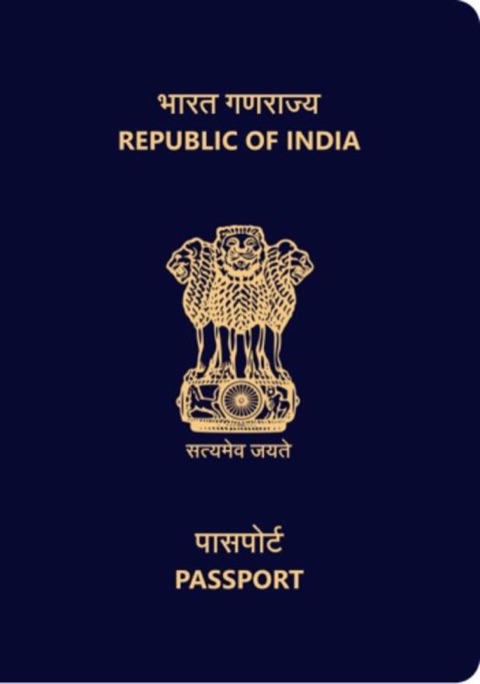
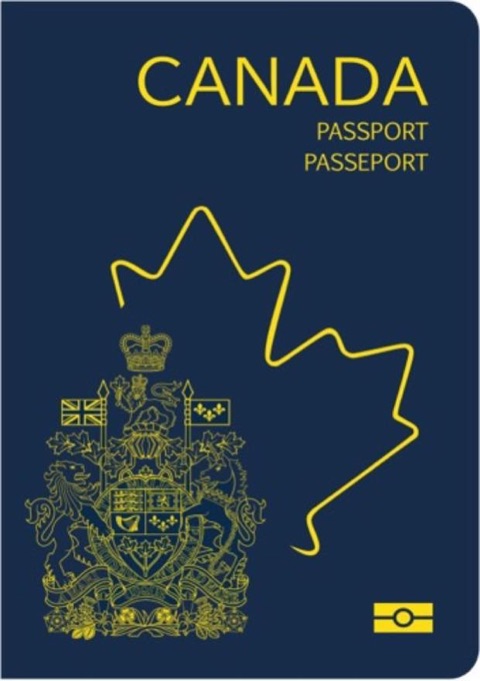
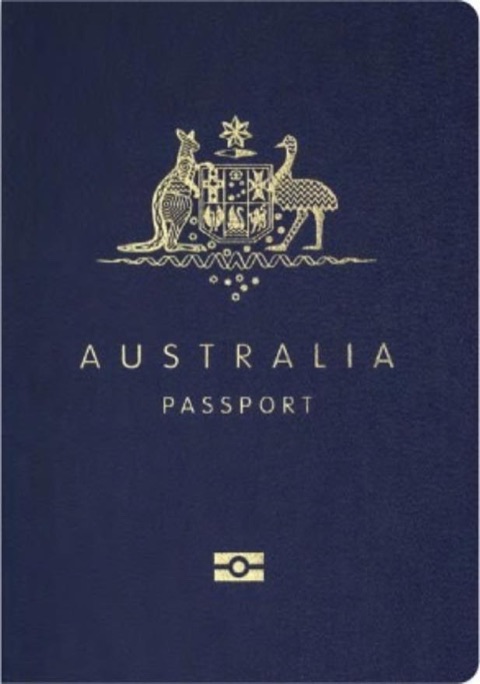
Visas, green cards and residence
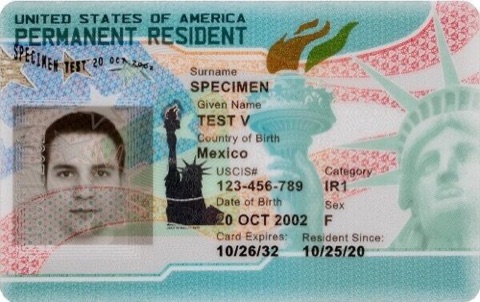
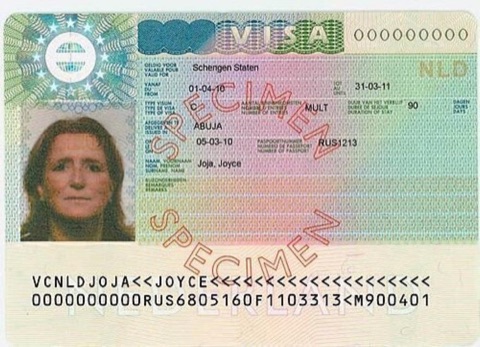
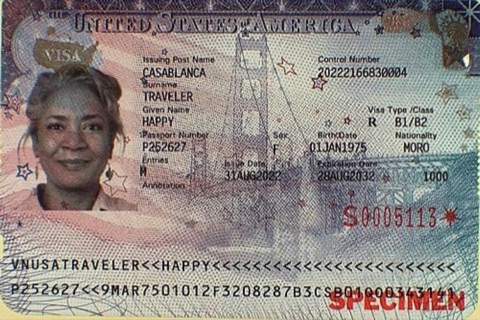
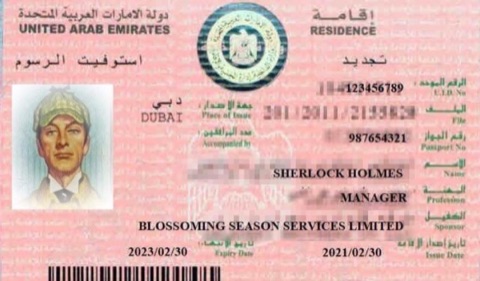
Tips for a compliant photo
Light your face evenly
Stand facing a window or soft light. Shadows on your face or the wall are the top reason photos get rejected.
Use a plain white or light background
Most documents need a plain white or light background. Stand a little away from a smooth, clean wall. The tool fits the rest to the rules.
Keep a neutral face
Look straight at the camera. Keep both eyes open and your mouth closed. Please do not smile.
Remove glasses and hats
Take off glasses, hats and headphones. Head coverings are allowed only for daily religious or medical reasons, with your full face visible.
No beauty filters
Skip beauty filters. The tool sizes and aligns your head to the official proportions for your document.
Photo examples
How to take a good photo
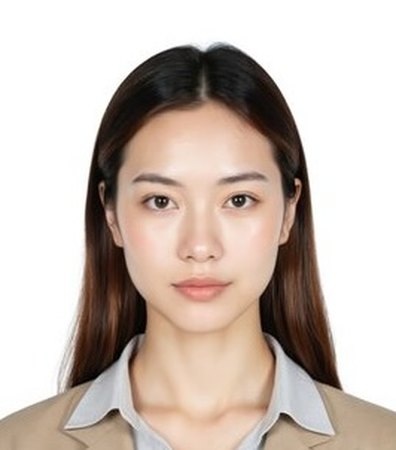 White background, facing the camera
 Eyes open, mouth closed
 Religious headwear, full face visible
Avoid common mistakes
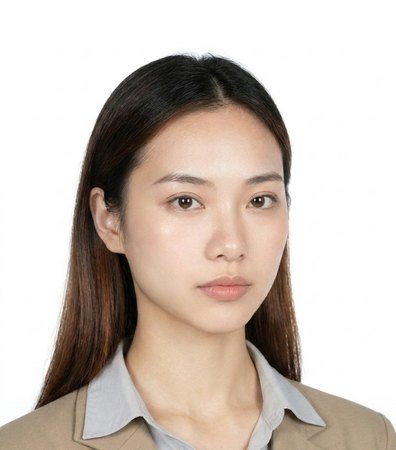 Tilted or turned head
 Busy background
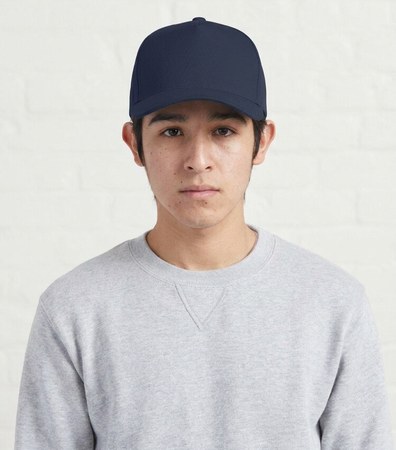 Hat or cap
 Shadows on the face
How to take a good photo
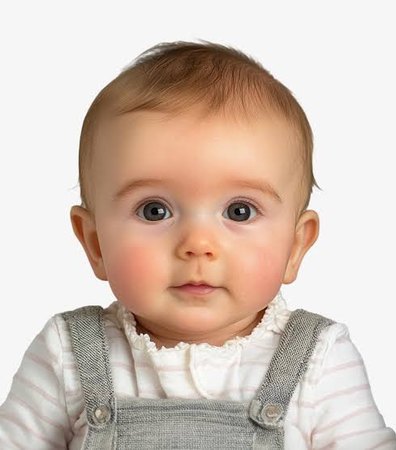 Looking at the camera
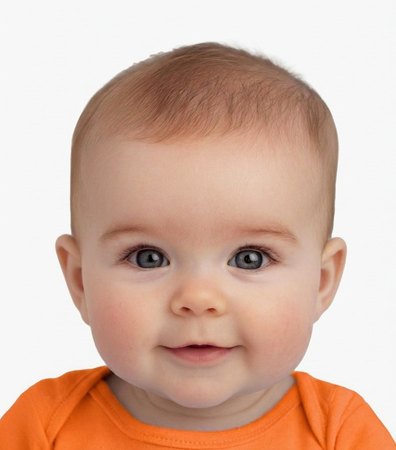 Contrasting clothes
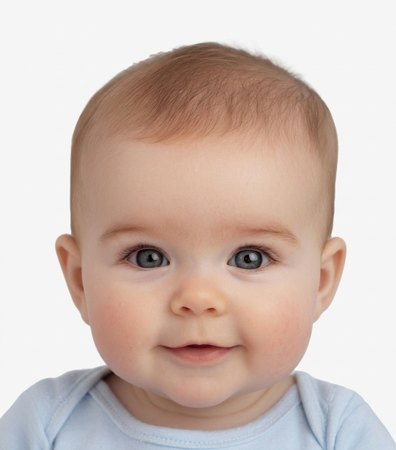 Neutral expression
Avoid common mistakes
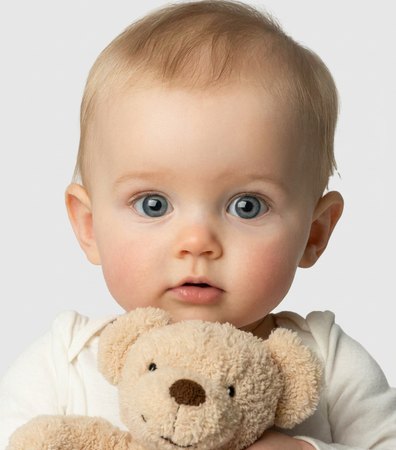 Holding a toy
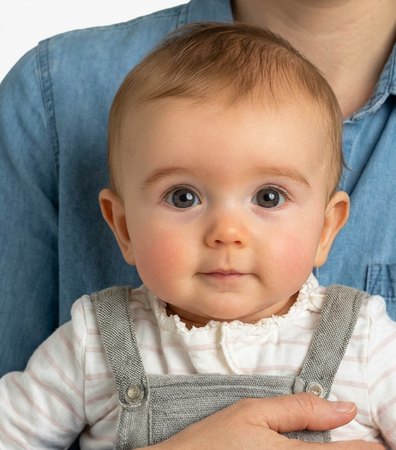 Someone holding the child
 Crying
Ready? Choose your document to start.
Get your photoSupported countries
- United States5 documents
- Canada4 documents
 Mexico4 documents
 Argentina4 documents
 Colombia5 documents
 EU / Schengen1 document
- United Kingdom5 documents
 Ireland5 documents
 Netherlands2 documents
- Germany4 documents
 France4 documents
 Switzerland5 documents
 Spain5 documents
 Portugal5 documents
 Italy4 documents
 Greece5 documents
 Poland2 documents
 Sweden5 documents
 Norway5 documents
 Ukraine2 documents
 Russia2 documents
- India5 documents
 Pakistan2 documents
 Bangladesh2 documents
 Nepal3 documents
 Sri Lanka3 documents
 Singapore6 documents
 Malaysia3 documents
 Thailand2 documents
 Vietnam3 documents
 Japan4 documents
 South Korea4 documents
 China5 documents
 Hong Kong4 documents
 Taiwan5 documents
 Indonesia5 documents
 Philippines5 documents
- Australia5 documents
 New Zealand5 documents
 Israel5 documents
 United Arab Emirates5 documents
 Saudi Arabia4 documents
 Egypt3 documents
 Morocco2 documents
 Algeria2 documents
 Turkey2 documents
 Nigeria4 documents
 Ghana4 documents
 Kenya5 documents
 South Africa4 documents
 Brazil4 documents