Japan residence card photo
Take or upload a photo and get one that meets the official rules. The background is replaced, the crop is set for you, and every requirement is checked before you download.
Get your photo
- Size
- 30×40 mm
- Background
- Plain white
- Head height
- 70–80%
- 100% private. Your photo is processed on this device and never uploaded.
Full requirements
- Size
- 30×40 mm
- Pixels
- 709 × 945 px at 600 dpi
- Head height
- 70–80%, chin to crown
- Eye line
- 20–23 mm from bottom
- Background
- Plain white
- Digital file
- 709 × 945 px · JPEG
- Notes
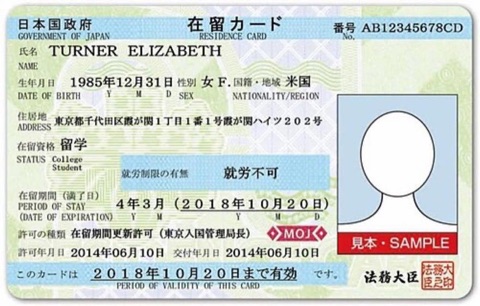
- 在留カード: 30×40 mm. Visa photos are a separate size (35×45 mm).
- Official source
- moj.go.jp
Every photo is checked against ICAO Doc 9303 (the international biometric standard) and the Japan residence card rules above. Authorities update their rules, so check the official source before you apply.
How to take a good photo
Light your face evenly
Stand facing a window or soft light. Shadows on your face or the wall are the top reason photos get rejected.
Use a plain white background
Japan requires a plain white background. Stand a little away from a smooth, clean wall. The tool fits the rest to the rules.
Keep a neutral face
Look straight at the camera. Keep both eyes open and your mouth closed. Please do not smile.
Remove glasses and hats
Take off glasses, hats and headphones. Head coverings are allowed only for daily religious or medical reasons, with your full face visible.
No beauty filters
Skip beauty filters. The tool sizes your head to 75% of the photo and aligns it to Japan's official proportions.
How to take a good photo
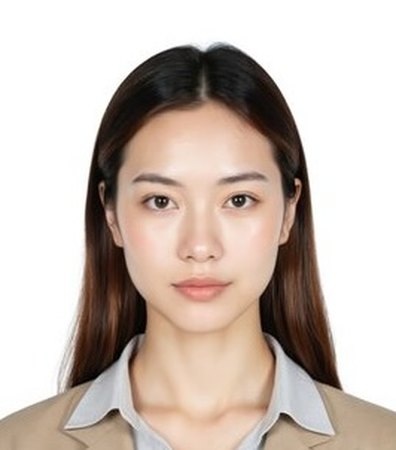 White background, facing the camera
 Eyes open, mouth closed
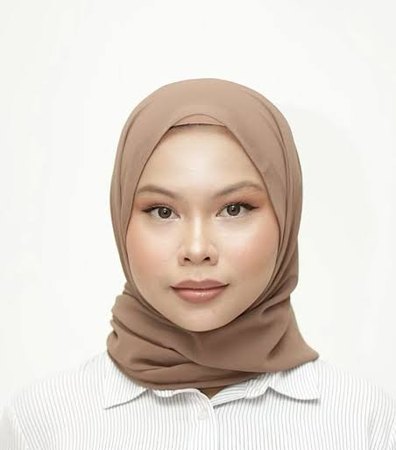 Religious headwear, full face visible
Avoid common mistakes
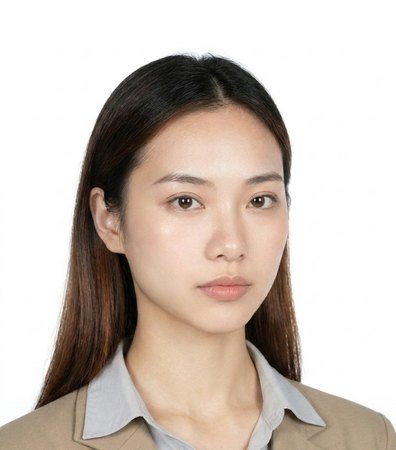 Tilted or turned head
 Busy background
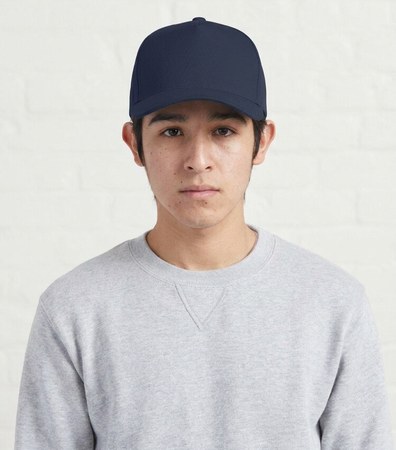 Hat or cap
 Shadows on the face
How to take a good photo
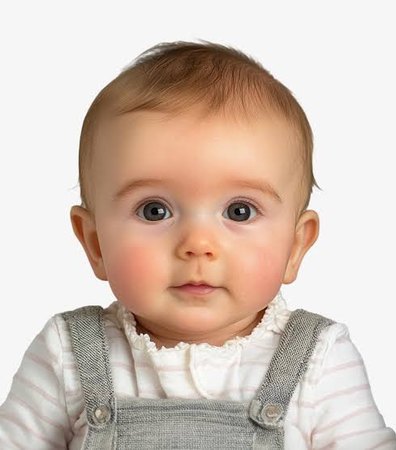 Looking at the camera
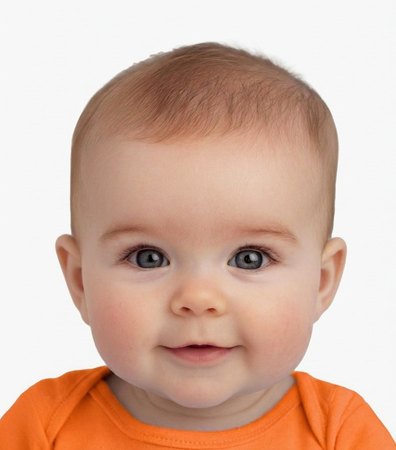 Contrasting clothes
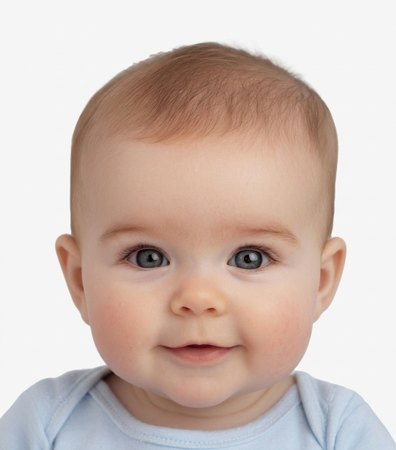 Neutral expression
Avoid common mistakes
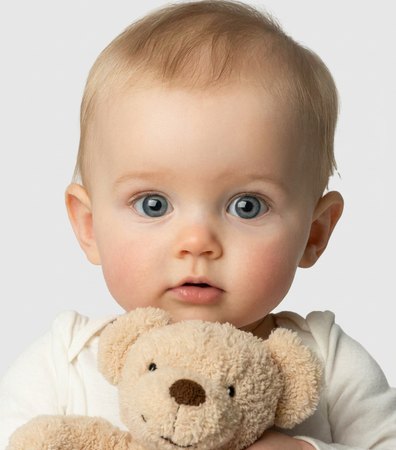 Holding a toy
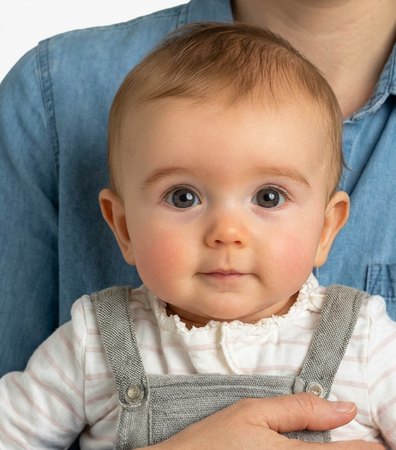 Someone holding the child
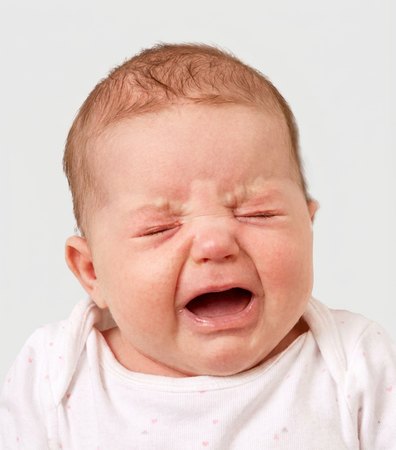 Crying
How it works
Take or upload a photo
Stand about a metre from a plain wall, facing a window. The live guide tells you when your position is right.
Check the result
The background is replaced and the photo is cropped to the official size and head position, then checked against every requirement.
Download
Get the digital file for online applications, a single photo at print size, or a print sheet for home or a photo shop.
Ready? Your Japan residence card photo takes about 30 seconds.
- 100% private. Your photo is processed on this device and never uploaded.
Common questions
What size is a Japan residence card photo?
30×40 mm, which is 709 × 945 pixels at 600 dpi.
How big should my head be?
From your chin to the top of your head: 70–80%. Your eyes should be 20–23 mm from bottom.
What background colour is required?
Plain white, plain and evenly lit, with no shadows or patterns. The tool replaces your background automatically.
Can I use the photo in an online application?
Yes. The digital download is 709 × 945 px · JPEG. You can also print it at true size on 4×6 in, A4 or Letter paper.
Is my photo uploaded?
No. Face detection, background removal and cropping run in your browser. The photo does not leave your device.